Navigating the One UI 8.5 Enhance-X Feature Glitch: A User's Guide
Overview
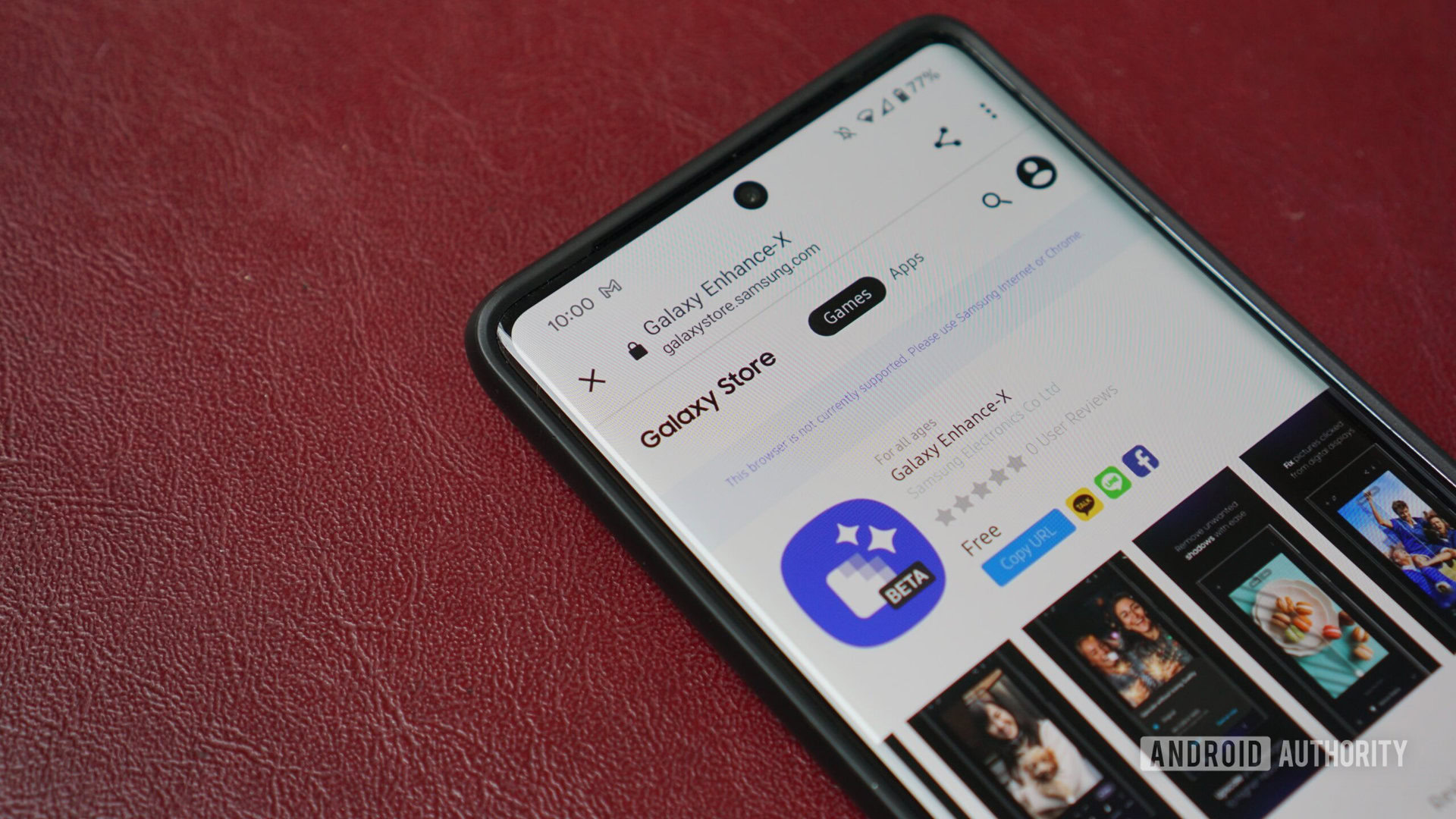
With the rollout of One UI 8.5 to older Galaxy devices, Samsung introduced a suite of improvements—but also inadvertently triggered a bug affecting the Enhance-X app. Users report that after updating, certain features vanish, and in some cases the app itself disappears from the Galaxy Store. This guide explains the issue, helps you diagnose if you're affected, and provides practical steps to manage the situation while awaiting a fix. Samsung has acknowledged the glitch and is preparing a staged update to resolve it.
Prerequisites
Before proceeding, ensure you have:
- A Samsung Galaxy device that has received the One UI 8.5 stable update (e.g., Galaxy S21 series, Galaxy Z Fold/Flip models).
- The Enhance-X app installed (or access to the Galaxy Store to verify its status).
- A stable internet connection for checking updates and downloading any fixes.
- Basic familiarity with navigating Settings and the Galaxy Store.
Step-by-Step Instructions
Step 1: Identify If You Are Affected
After updating to One UI 8.5, open the Enhance-X app and compare its feature set with the expected list (e.g., HDR, Face Retouch, Portrait). Missing options are a primary symptom. Alternatively, search for “Enhance-X” in the Galaxy Store. If the app is not listed or shows “Installed” but fails to launch, you are likely affected.
Step 2: Basic Troubleshooting
Before concluding that the glitch is present, try these common fixes:
- Clear cache: Go to Settings > Apps > Enhance-X > Storage > Clear Cache. Do not select “Clear Data” as this may remove your custom settings.
- Reinstall the app: Uninstall Enhance-X, then reinstall it from the Galaxy Store. If the store doesn’t show it, skip to Step 3.
- Reboot your device: A simple restart can sometimes refresh app permissions and system caches.
Step 3: Understand Samsung’s Response
Samsung has publicly confirmed that One UI 8.5 introduces a bug affecting Enhance-X features. Their official plan is to release a fix via an incremental update, rolled out in stages by device model. This means not all devices will receive the patch simultaneously. Check for system updates regularly under Settings > Software Update > Download and Install.
Step 4: Workarounds While Waiting
If you rely on Enhance-X features, consider these temporary alternatives:
- Use Samsung’s built-in Gallery editing tools (e.g., Object Eraser, Motion Photos adjustments).
- Download a third-party photo editor like Adobe Lightroom or Snapseed, which offer similar enhancement capabilities.
- If the app is missing from the Galaxy Store, try accessing it via direct link from your device’s web browser (e.g.,
https://galaxystore.samsung.com/detail/com.samsung.android.photoenhancer)—though availability depends on the bug fix cycle.
Step 5: Stay Updated on the Fix
To get notified when the patch arrives:
- Enable Auto-update in Galaxy Store (Menu > Settings > Auto-update apps).
- Follow Samsung’s official community forums or the Android Authority news feed for real-time announcements.
- Periodically re-run Step 1 to see if the missing features have been restored.
Common Mistakes
- Performing a factory reset – This will not fix the glitch and will erase your personal data. The problem is server‑side and will be corrected by Samsung’s update.
- Assuming the app is permanently removed – The disappearances are tied to the bug; the app hasn’t been delisted or discontinued.
- Ignoring staged rollout notifications – If your neighbor’s update arrives before yours, that’s normal. Staged rollouts prevent server overload and let Samsung monitor the fix’s stability.
- Clearing app data instead of cache – This can reset your preferences and cause additional inconvenience.
Summary
The One UI 8.5 Enhance-X glitch is a known, temporary issue under active resolution by Samsung. By following this guide—identifying symptoms, performing safe troubleshooting, understanding Samsung’s staged rollback, and using workarounds—you can minimize disruption. Patience is key: the fix is coming, and your favorite features will return. For the latest updates, keep an eye on official channels.