Yazi: The Terminal File Manager Revolutionizing Linux File Navigation
Yazi: The Terminal File Manager Revolutionizing Linux File Navigation
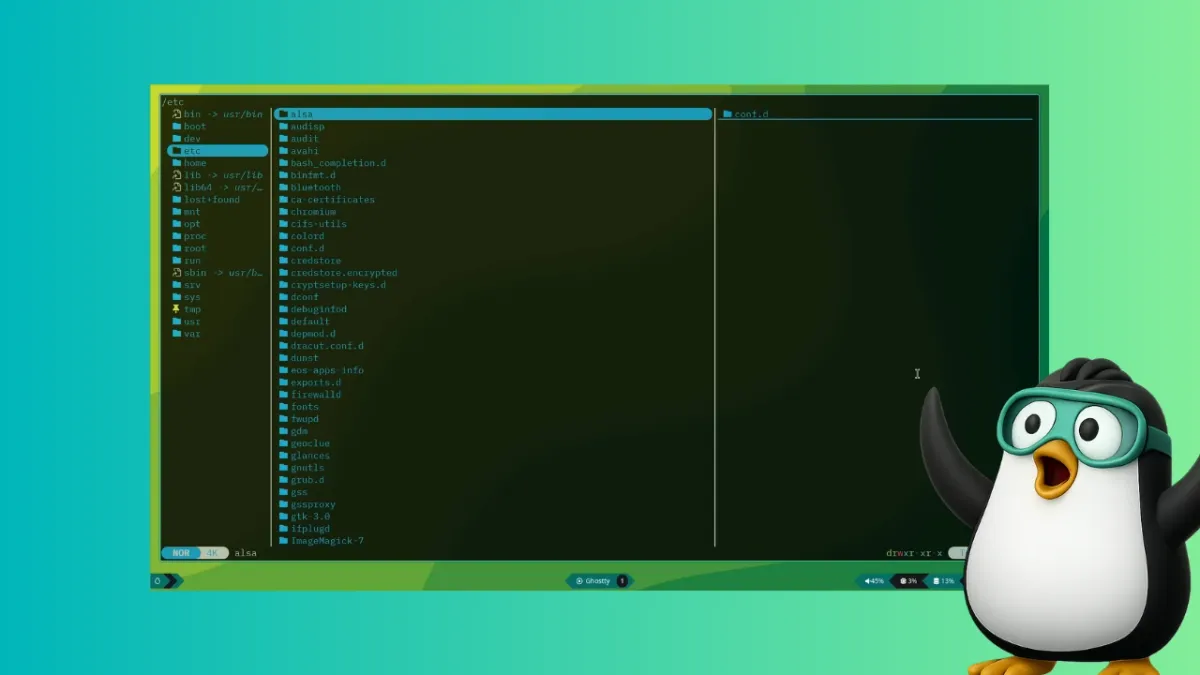
A new terminal-based file manager named Yazi is rapidly gaining attention among Linux users who crave efficiency without leaving the command line. Built in Rust, Yazi brings full asynchronous support, image previews, and code highlighting to the terminal environment.
"Yazi offers a level of comfort and efficiency that makes you forget about graphical file managers like Nautilus or Nemo," said Sagar Sharma, a reviewer at It's FOSS who recently tested the tool. "It's packed with features you didn't know you needed."
Key features include multi-threaded CPU task distribution, built-in support for multiple image protocols, scrollable file previews, and powerful search and manipulation tools. The combination of these capabilities allows users to browse, preview, and manage files without ever touching a mouse.
Yazi is already available in the official repositories of several Linux distributions, including Arch Linux, Void Linux, and openSUSE Tumbleweed. For Arch users, installation is straightforward via pacman -S yazi, though additional dependencies may be required to unlock its full potential.
Background
Terminal-based file managers have existed for decades as alternatives to the traditional ls and cd workflow. Tools like Midnight Commander and ranger have long served power users who prefer keyboard-driven navigation.
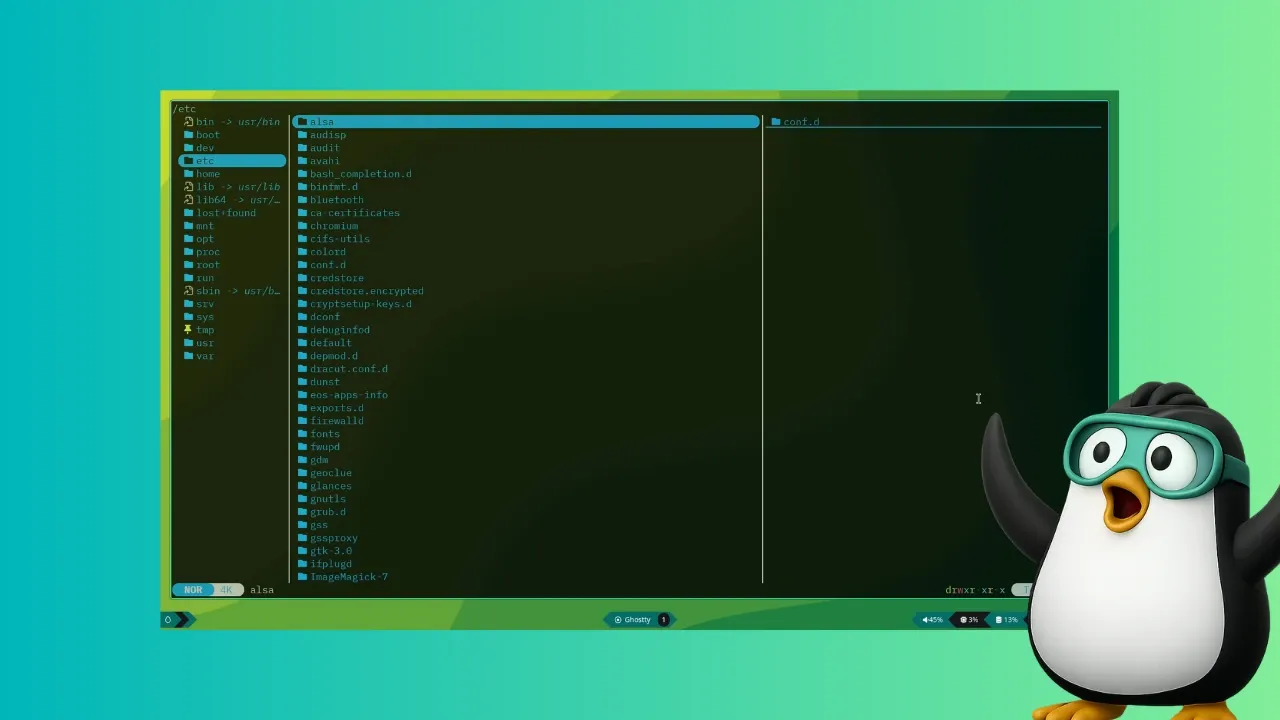
Yazi distinguishes itself through its modern Rust codebase, which ensures speed and safety. Its asynchronous architecture spreads CPU tasks across multiple threads, preventing interface lag even when handling large directories or remote file systems.
What This Means
For Linux users who spend significant time in the terminal, Yazi could reduce the need to switch to graphical file managers. The ability to preview images, syntax-highlighted code, and PDF files directly in the terminal streamlines workflows.
As terminal environments become more feature-rich, tools like Yazi blur the line between CLI and GUI. This shift empowers developers, sysadmins, and enthusiasts to accomplish more without leaving their preferred interface. Early adopters report a noticeable boost in productivity once they learn Yazi's keybindings.
With its open-source license and growing community, Yazi is poised to become a staple in the Linux terminal toolkit. Future updates are expected to add even more integrations, including cloud storage support and enhanced plugin systems.